60 FPS · <10ms · Lossless · Zero GPU

Your Mac,
on paper

Use your Mac on paper-like screens — for more calm, deeper focus, and better health.
Download Free Trial Buy Full License — $29

Apple Silicon (M1+) · macOS 14+ · 7 days free

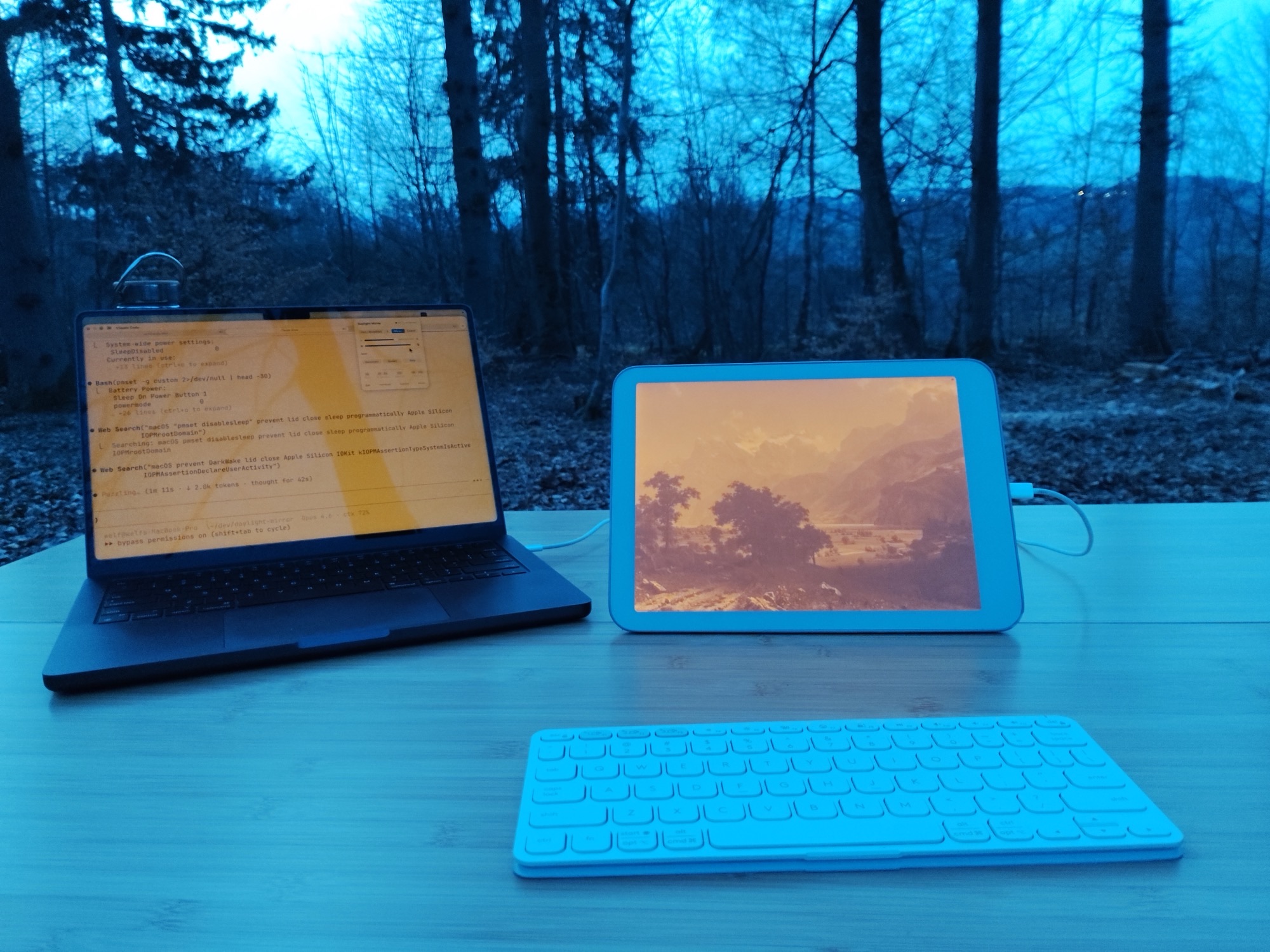
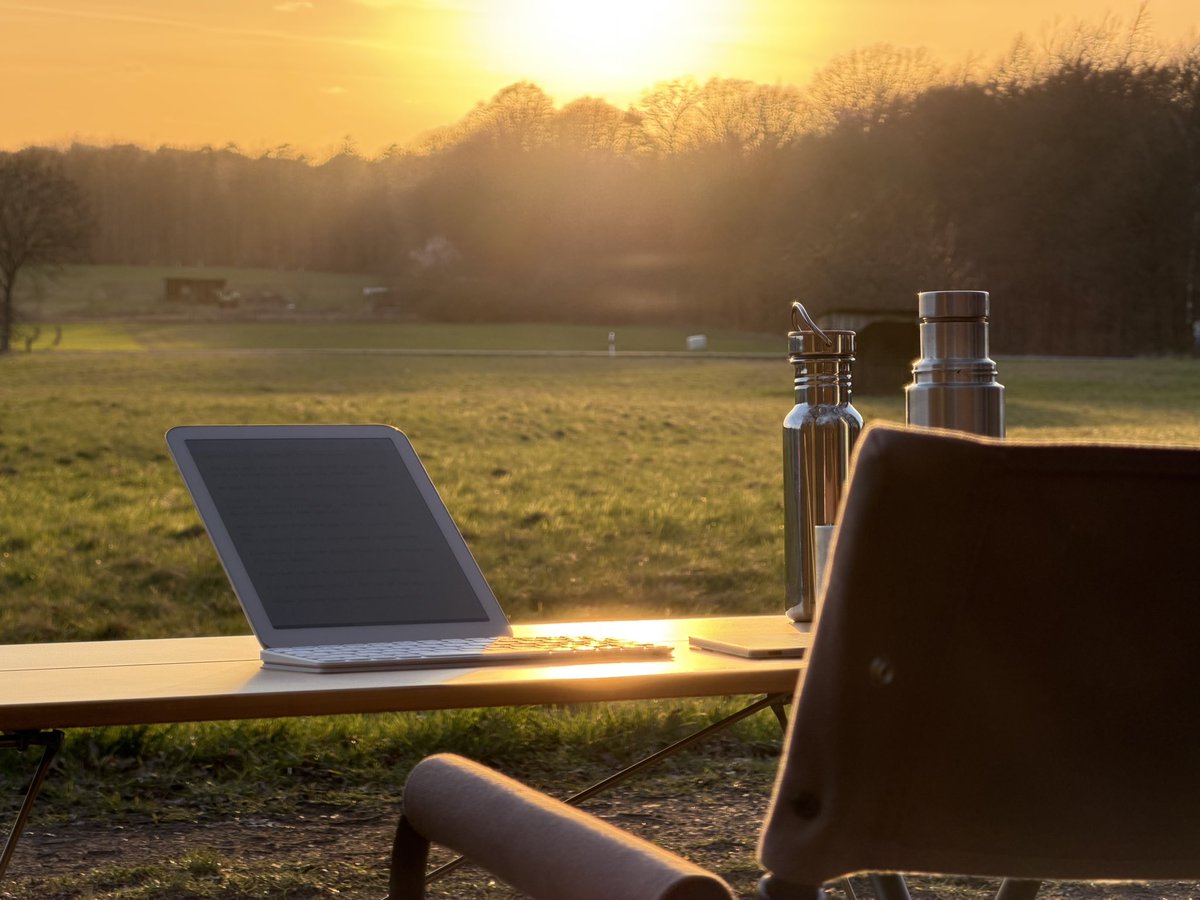
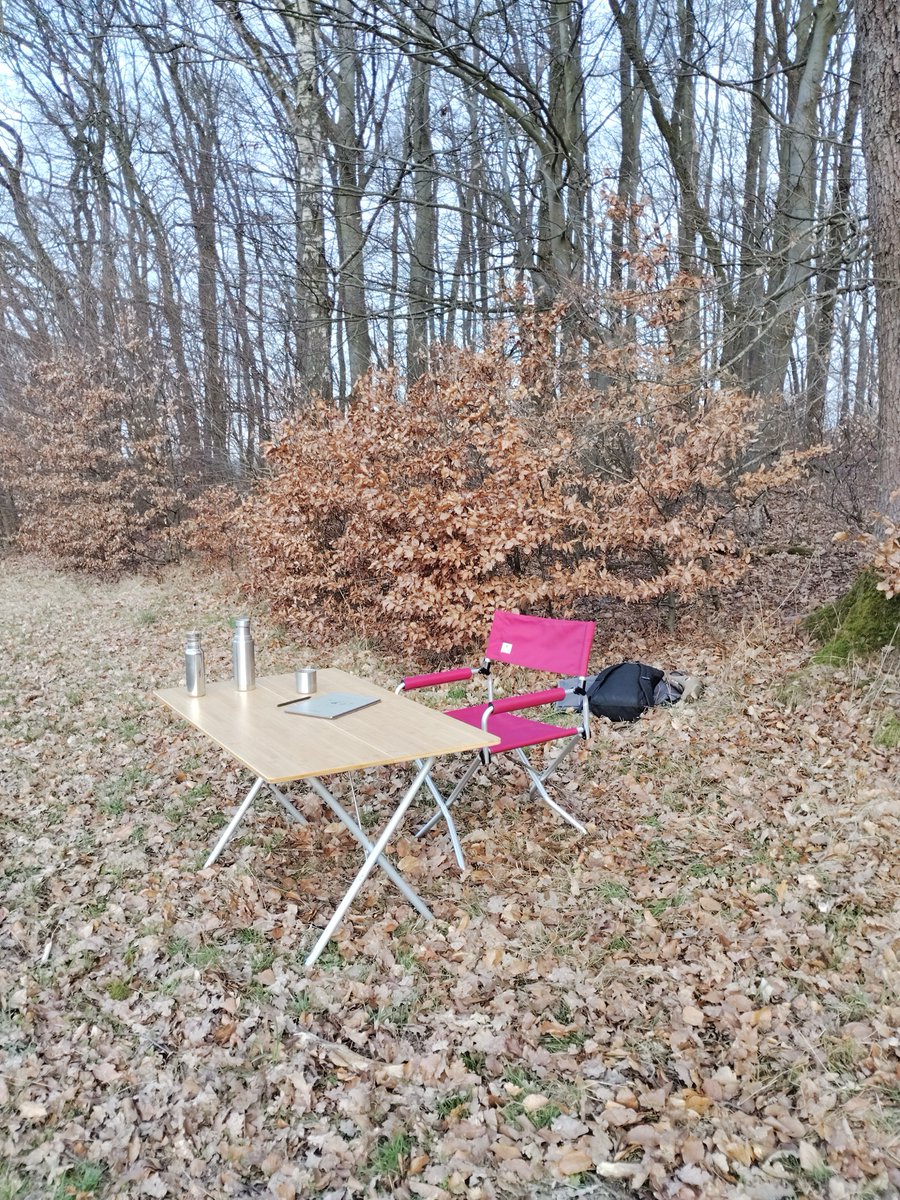
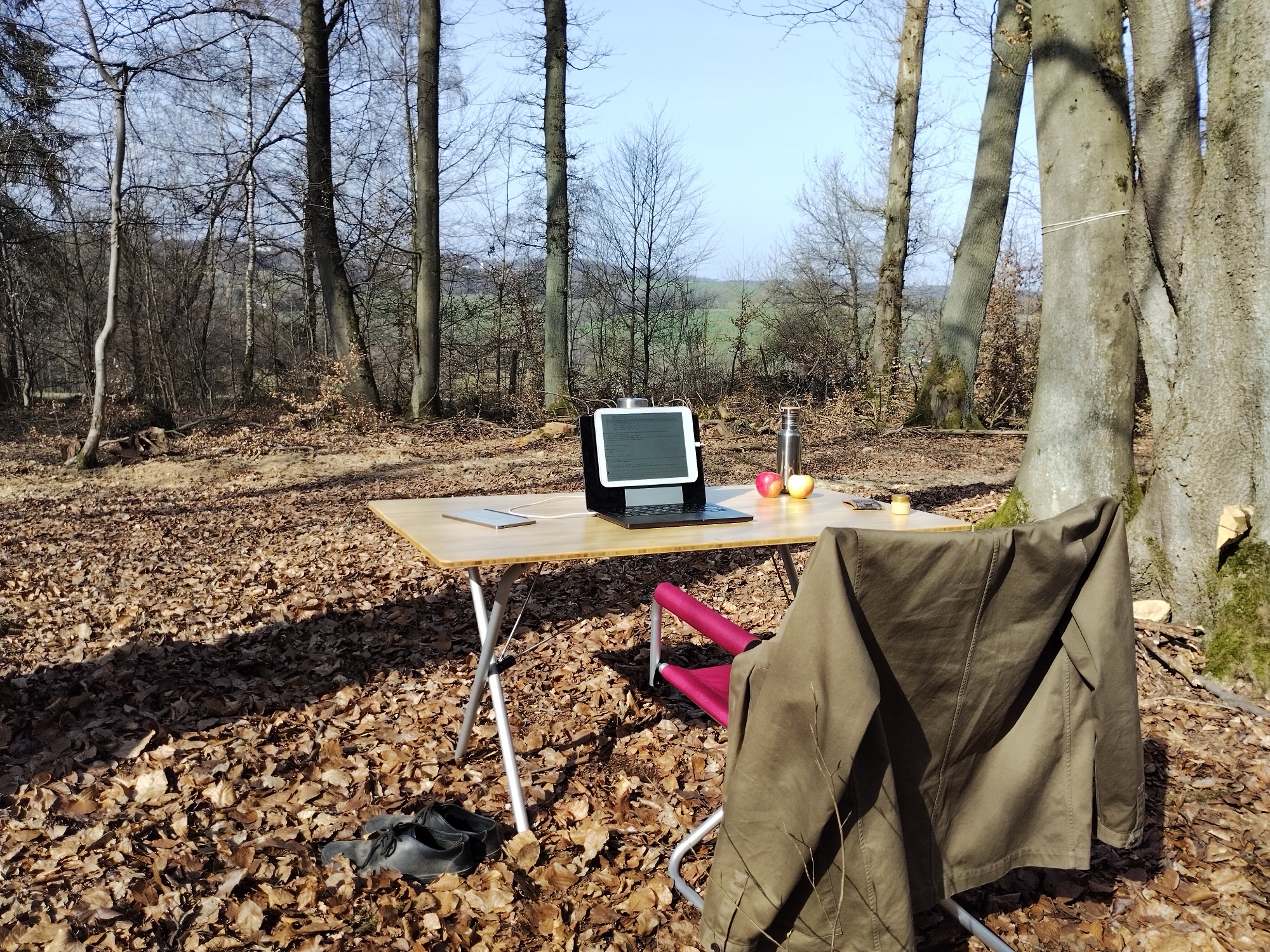
Full outdoor office in the Westerwald forest — MacBook, Daylight DC-1, bamboo table, apples, thermos
<10ms
Latency
60
Frames per second
0%
GPU usage
$29
One-time, forever

The nicest computing
you've ever had

SuperMirror turns a paper-like display into a real-time external screen for your Mac. Everything you do — code, write, browse, design — rendered on a calm, flicker-free, daylight-readable surface.

Plug in USB and it starts. Full resolution, perfectly fitted, instantly responsive. Work outside in direct sunlight. Work by candlelight. Work without the eyestrain.
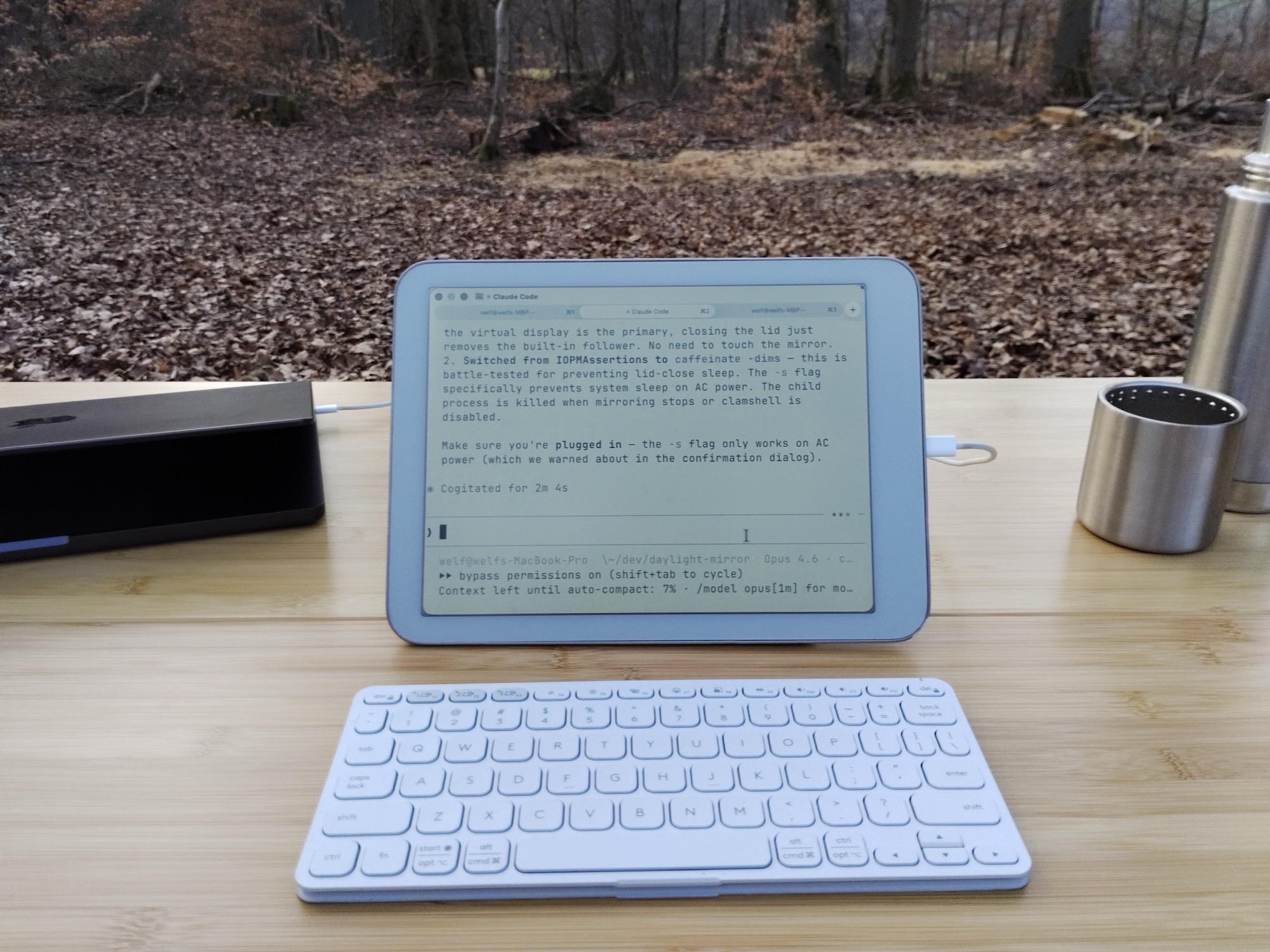
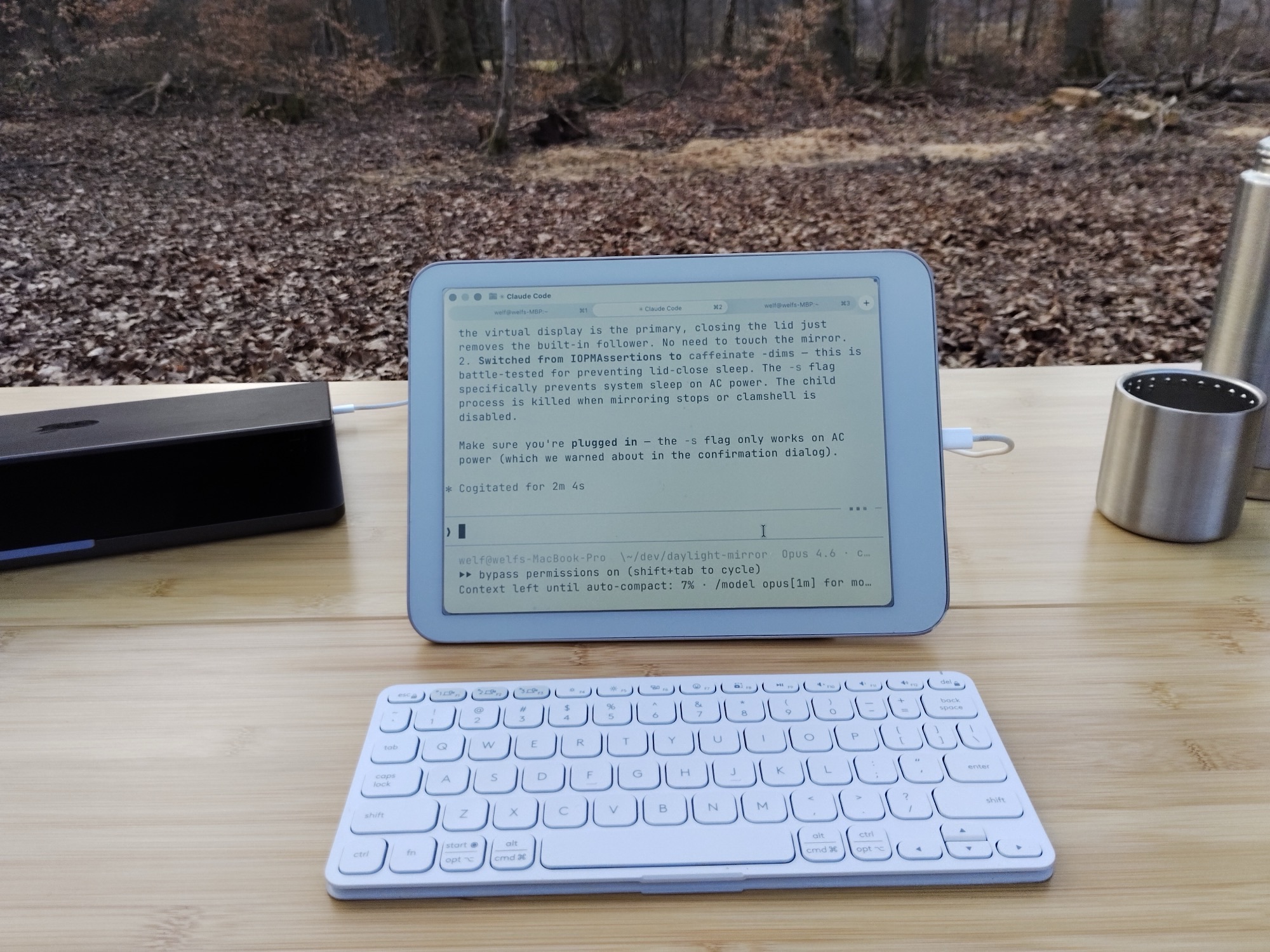
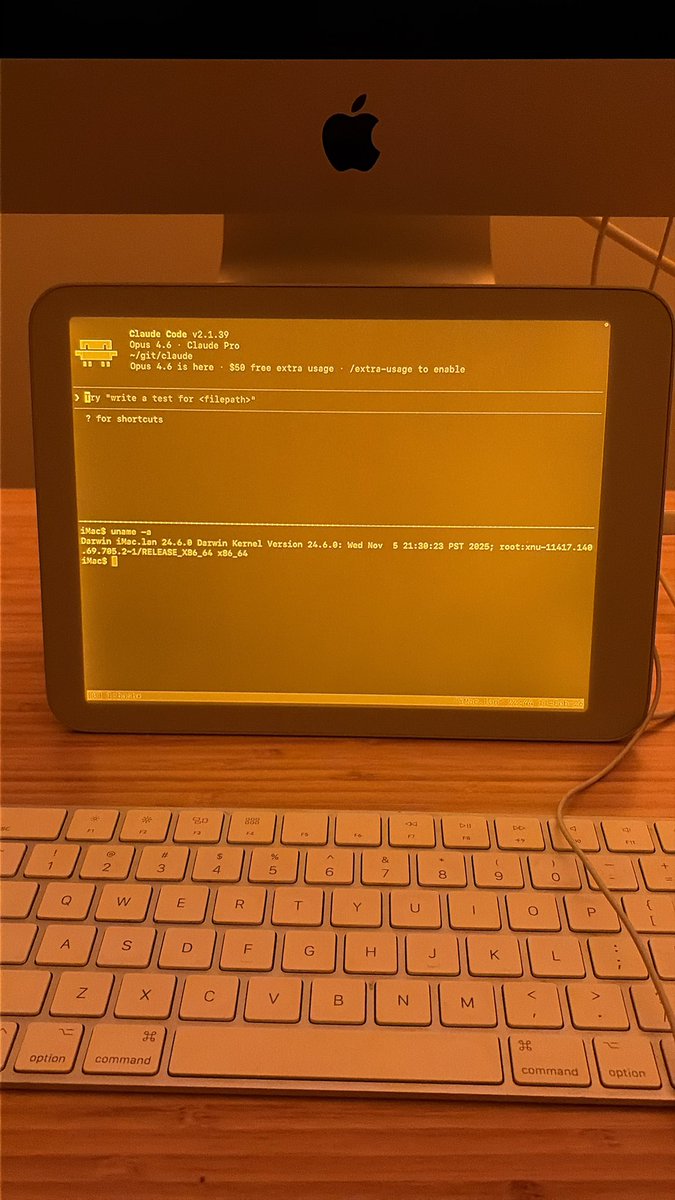
Daylight DC-1 on MacBook showing Claude Code, apples and water bottle on bamboo table in forest

Built for paper-like screens.
Works with everything.

E-ink & reflective displays

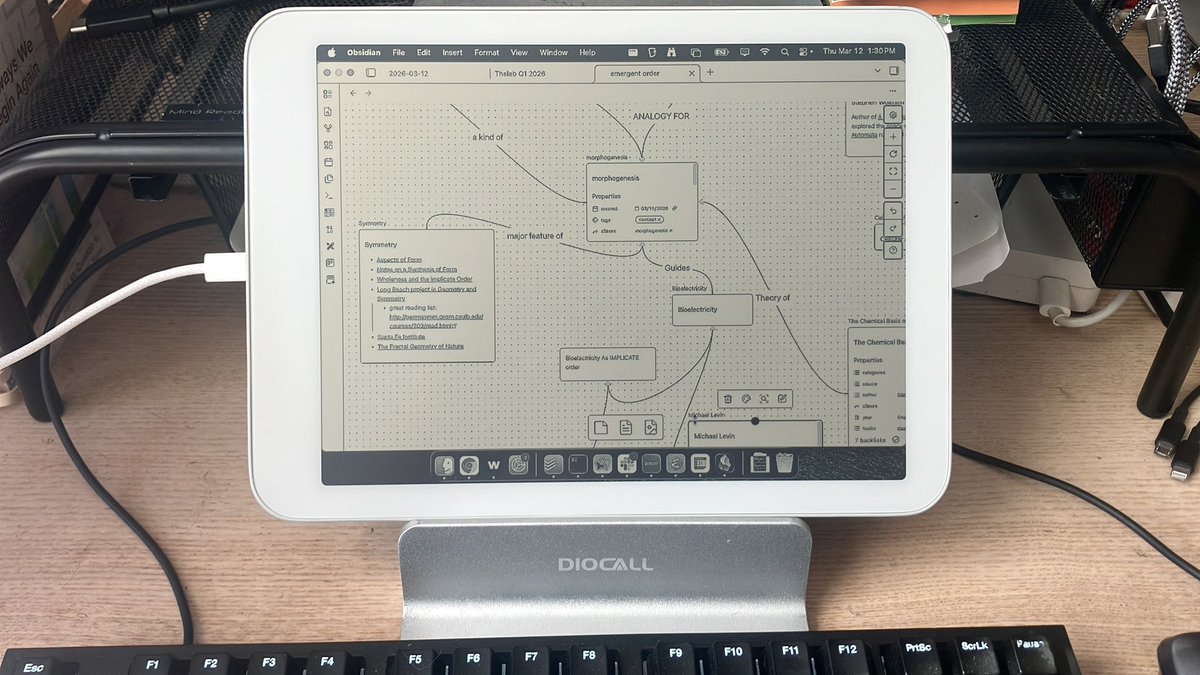
First-class support for Daylight DC-1, Boox, Hisense, and Dasung. Dedicated greyscale pipeline with contrast LUT, sharpening, and hardware brightness and warmth control.

Optimized
📱

Any Android device

Samsung, Pixel, OnePlus, Xiaomi — any Android tablet or phone via USB. Full RGB color, portrait or landscape, auto-detected resolution. Plug in and it works.

Universal

Everything you need,
nothing you don't

01

Sub-10ms latency

Direct USB connection. No network overhead, no perceptible delay. It feels native.

02

Pixel-perfect resolution

Matches your device's exact native resolution. Eight presets from Cozy to Sharp — zero distortion.

03

Auto-start

Plug in USB. SuperMirror finds your device, picks the right resolution, and starts. No configuration.

04

E-ink pipeline

Dedicated greyscale rendering with contrast LUT and sharpening, tuned for paper-like screens.

05

Brightness & warmth

Hardware display controls via keyboard shortcuts. Warmth slider, backlight toggle, all from the menu bar.

06

Clamshell mode

Close your laptop lid. Keep working on the external display. Your Mac, untethered from its own screen.

Zero blue light.
Amber warmth control.

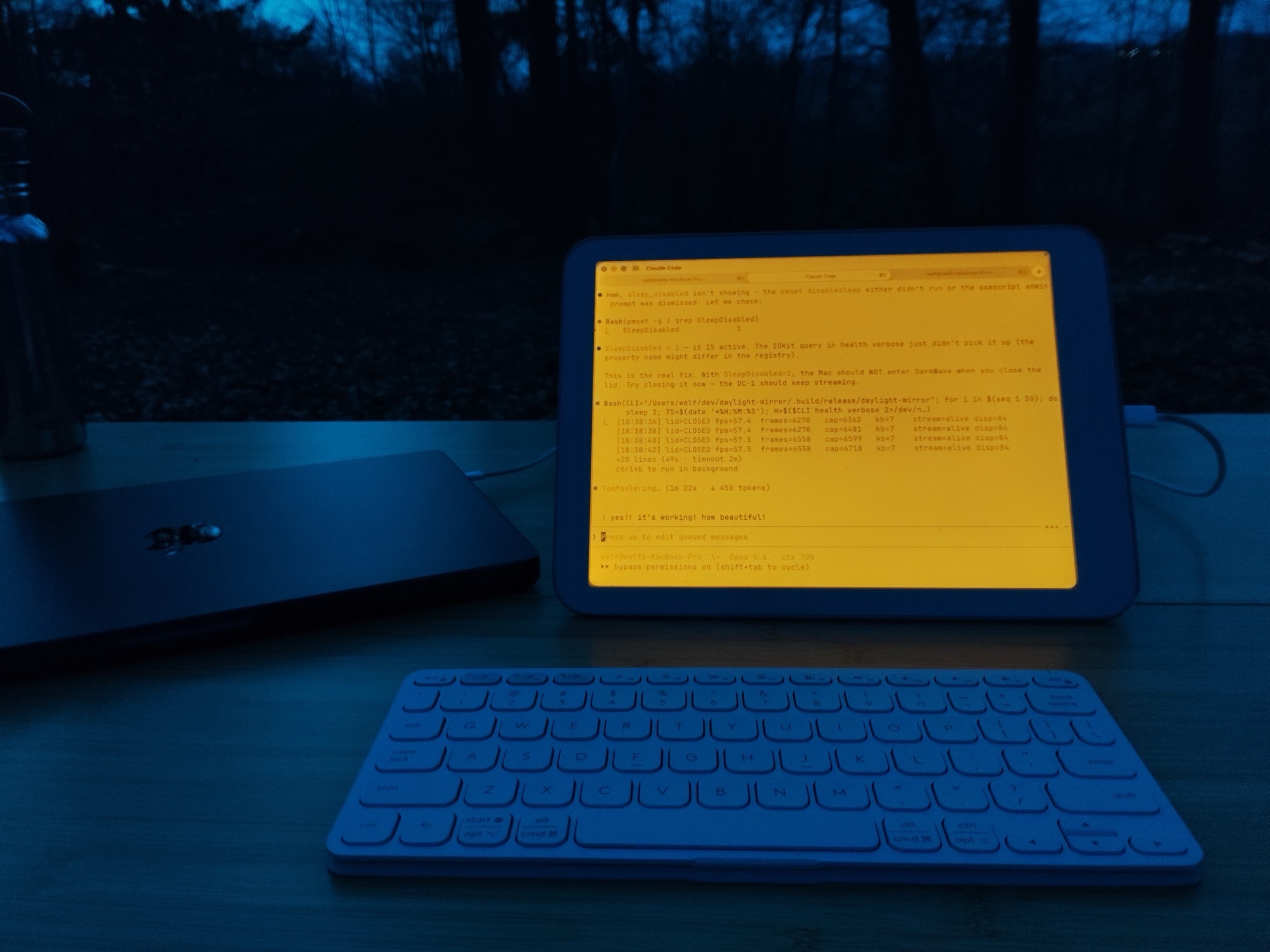
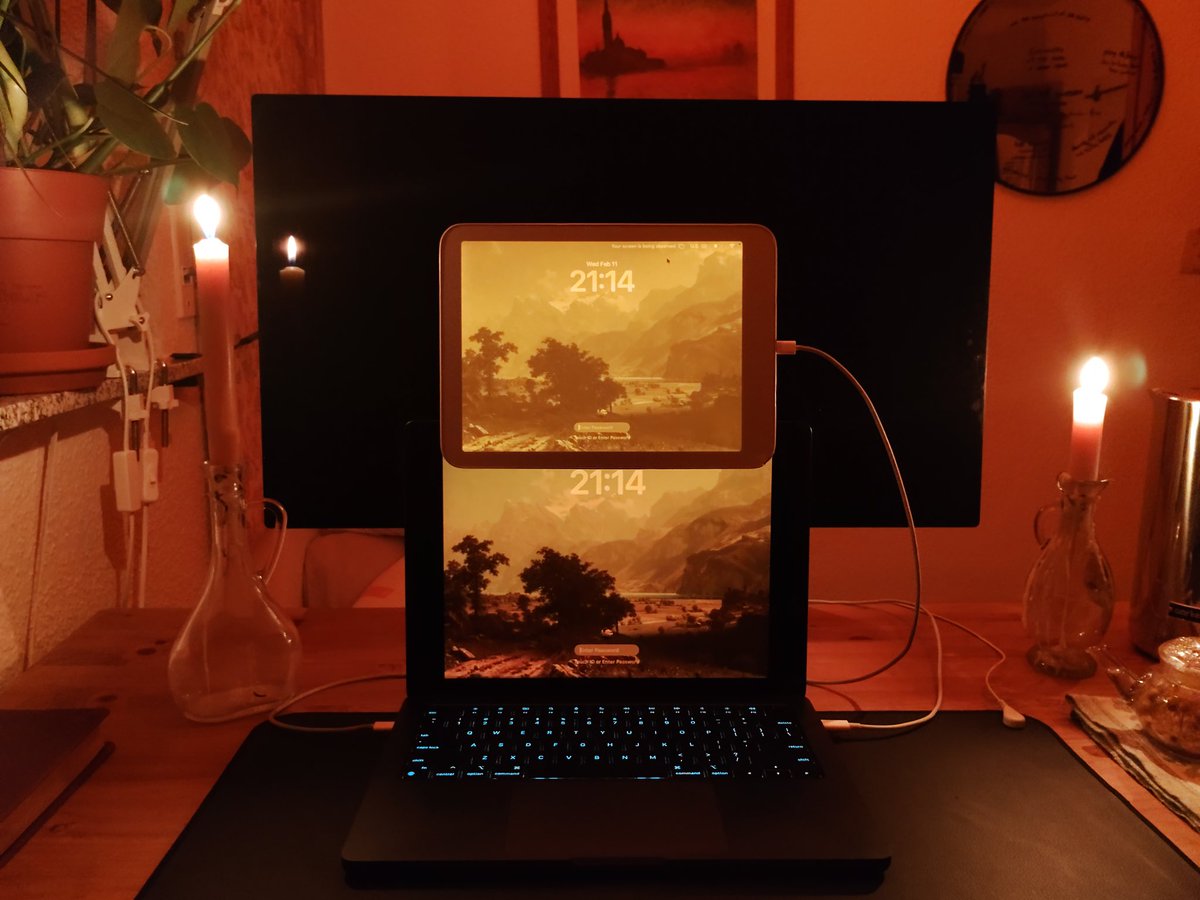
The Daylight's reflective display produces no light on its own. Turn on the backlight at night and dial the warmth all the way up — warm amber, like working by candlelight. Your circadian rhythm stays intact.
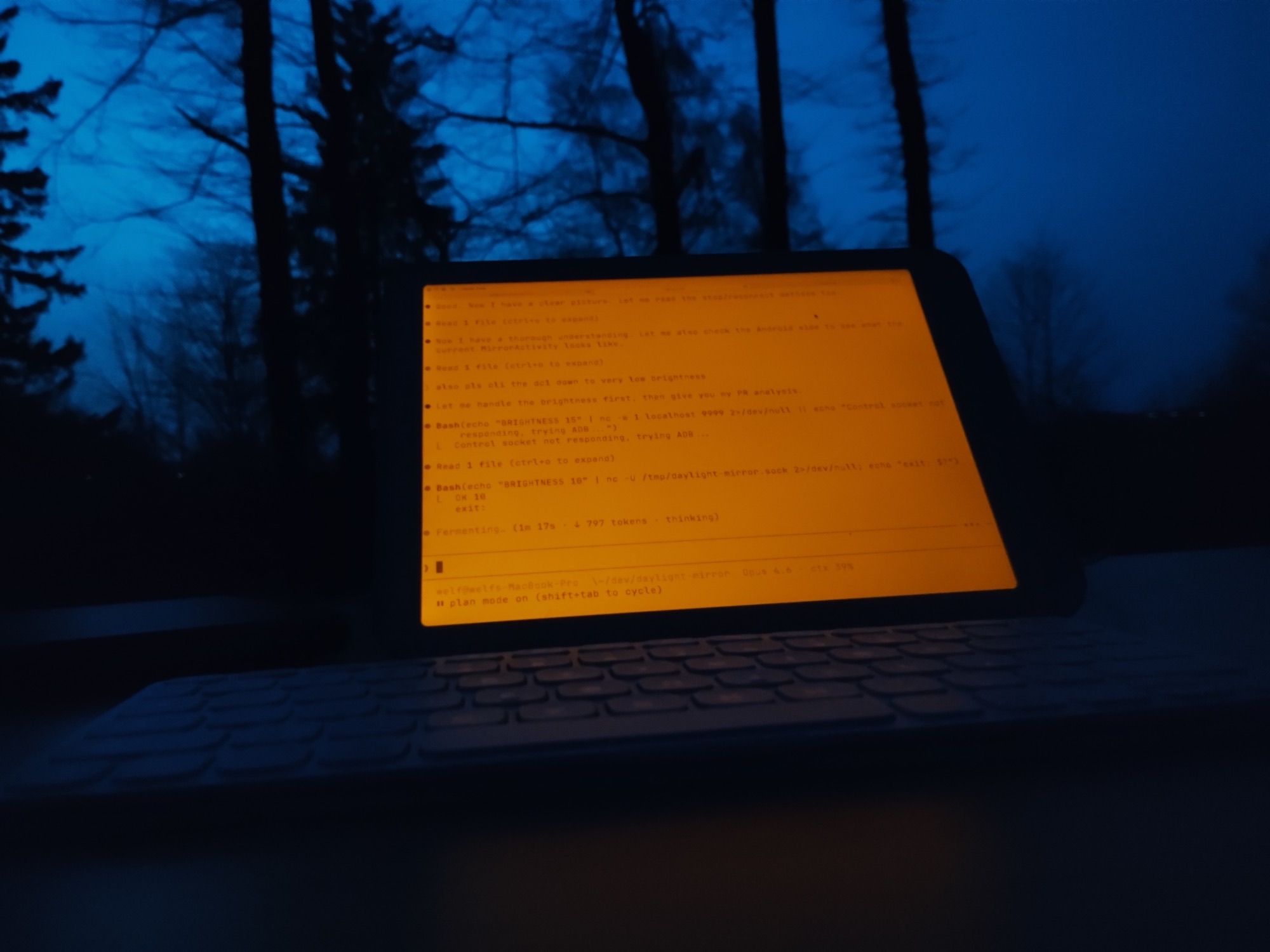

Amber warmth mode — clamshell setup at dusk with closed MacBook Amber screen glowing against blue hour sky and bare trees

SuperMirror in the wild

Welf von Hören
@_welf
Sometimes I'm still shocked I can now use my Mac with ZERO blue light or PWM flicker. Full 60 fps.
150
Steve Ruiz
@steveruizok
such a cool project
47
Curran Dwyer
@CurranDwyer
Perfect and easy. Now I can avoid bleeding out of my eyeballs if I need to work in the evening.
2
Welf von Hören
@_welf
have you ever used your Mac in the morning with zero flicker? calm computing has been achieved *internally
47
daylight
@daylightco
have you seen @_welf's "daylight mirror" allowing you to see your macbook screen on the daylight (and thus outside)?
3
Welf von Hören
@_welf
outdoor computing might just be the best thing you can do for your sanity, circadian health, mental clarity
38
Matt
@mattparavel
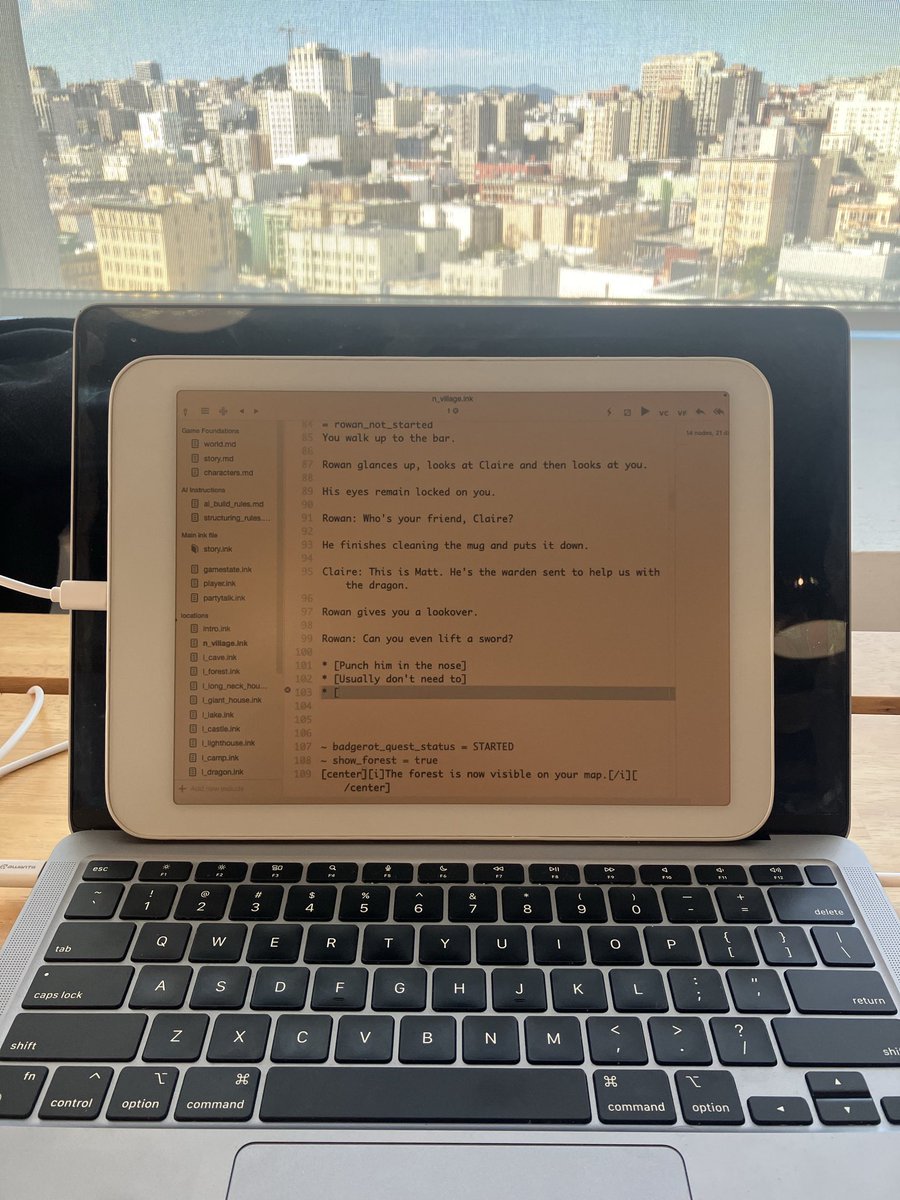
New favorite way to write story scripts
7
Colkol
@c0l_k0l
Great job on this!
3
Alex Garcia
@alex_here_now
excuse me but wtf this is an entire vibe good sir i love this
3
Welf von Hören
@_welf
i have to admit, i was never locked in. this software is made with 100% free-range ideas
30
narsch
@nharsch
Bravo!
5
Welf von Hören
@_welf
creating anything requires clarity of mind. time away from the noise. good sleep. a regulated nervous system.
10
JaimeOrtega
@JaimeOrtega
This and a Claude Max plan
4
juan jose fernandez
@imagetextimage
WELF + DC-1 <3
4
Alex Christou
@alexchristou_
@rorysutherland This guy seems to be onto something
2
Maky
@iwanttobeinmars
This is pretty neat!
3
Welf von Hören
@_welf
Sometimes I'm still shocked I can now use my Mac with ZERO blue light or PWM flicker. Full 60 fps.
150
Steve Ruiz
@steveruizok
such a cool project
47
Curran Dwyer
@CurranDwyer
Perfect and easy. Now I can avoid bleeding out of my eyeballs if I need to work in the evening.
2
Welf von Hören
@_welf
have you ever used your Mac in the morning with zero flicker? calm computing has been achieved *internally
47
daylight
@daylightco
have you seen @_welf's "daylight mirror" allowing you to see your macbook screen on the daylight (and thus outside)?
3
Welf von Hören
@_welf
outdoor computing might just be the best thing you can do for your sanity, circadian health, mental clarity
38
Matt
@mattparavel
New favorite way to write story scripts
7
Colkol
@c0l_k0l
Great job on this!
3
Alex Garcia
@alex_here_now
excuse me but wtf this is an entire vibe good sir i love this
3
Welf von Hören
@_welf
i have to admit, i was never locked in. this software is made with 100% free-range ideas
30
narsch
@nharsch
Bravo!
5
Welf von Hören
@_welf
creating anything requires clarity of mind. time away from the noise. good sleep. a regulated nervous system.
10
JaimeOrtega
@JaimeOrtega
This and a Claude Max plan
4
juan jose fernandez
@imagetextimage
WELF + DC-1 <3
4
Alex Christou
@alexchristou_
@rorysutherland This guy seems to be onto something
2
Maky
@iwanttobeinmars
This is pretty neat!
3

One price. Yours forever.

$29

One-time purchase. No subscription. No account.

Download Free Trial Buy Full License — $29
7 days of full, unlimited access.
After trial: 30 minutes per day until you buy a license.

Three steps. Five minutes.

01

Download & open

Drag to Applications, open from Spotlight. The setup wizard walks you through permissions.

02

Connect via USB

Plug in your Android device. SuperMirror auto-detects it and handles everything.

03

Start mirroring

Pick a resolution, click Start. Your Mac screen appears on the display in seconds.

Common questions

SuperMirror auto-detects your device. E-ink and reflective displays get a dedicated greyscale pipeline with sharpening and contrast tuning. Color e-ink devices receive full RGB. Standard Android devices get full color. All at 60 FPS.

Any Android device connected via USB. First-class support for Daylight DC-1, Boox, Hisense, and Dasung with dedicated display profiles and hardware controls. Also works with Samsung, Pixel, OnePlus, Xiaomi, and more.

A guided setup wizard walks you through everything on first launch. The whole process takes about five minutes.

7 days of full, unlimited access. After that, mirroring works for 30 minutes per day. Buy a $29 one-time license for unlimited use. No account, no subscription.

SuperMirror is a one-time $29 purchase (Duet is a subscription), optimized specifically for paper-like displays with a dedicated greyscale pipeline, and uses zero GPU. Built for a different kind of computing — calm, focused, and easy on the eyes.

Email [email protected]. For common issues, check the troubleshooting guide in the Help section.

Your Mac deserves better light

Free 7-day trial. $29 one-time. No account needed.

Download SuperMirror