 SuperMirror
Your Mac, on your Android tablet.
Plug in a supported Android tablet. Your screen appears on it in seconds.
Using a Windows PC? SuperMirror for Windows is coming.
- Mac with Apple silicon
- macOS 14 or later
- Android 7 or later, 64-bit ARM
- USB data cable
How it works
Set it up once. After that, it starts when you plug in.
-
1
Download
Open SuperMirror.dmg and drag SuperMirror to Applications. Open it, and allow Screen Recording when macOS asks.
-
2
Plug in
Connect your tablet with a USB data cable. Your Mac shows you how to turn on USB debugging in Developer options.
Read the setup guide -
3
Tap Allow
Tap Allow on your tablet once. Your Mac installs SuperMirror for tablet over the cable and appears on it. Your 7-day free trial starts then.
Plug it in. Your Mac is there.
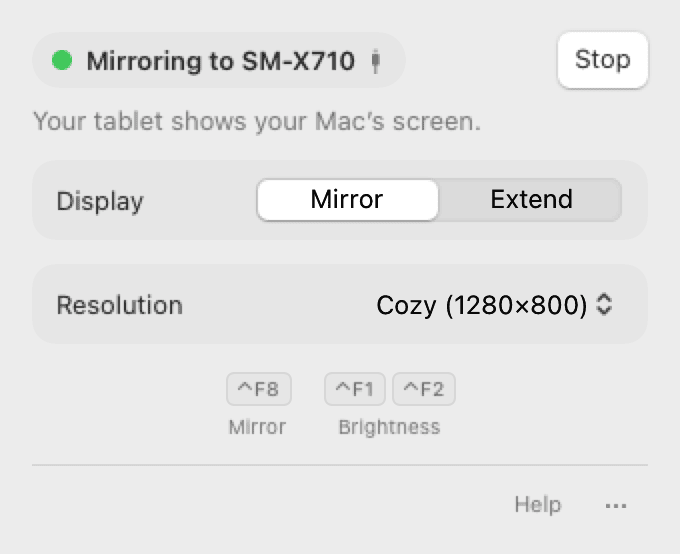
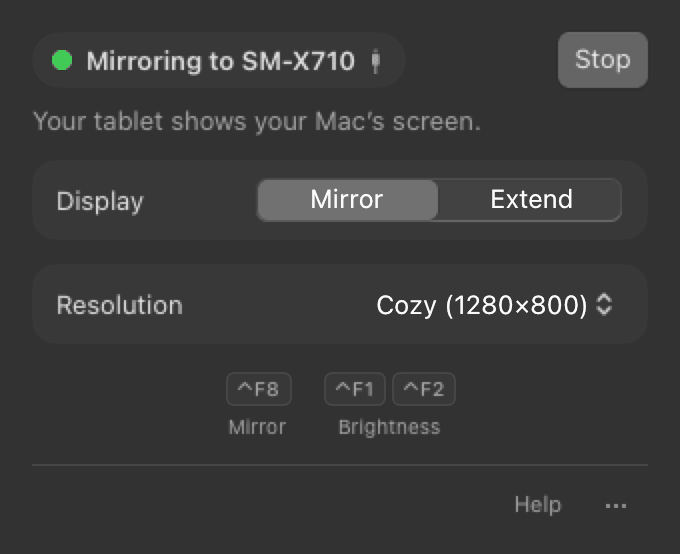
SuperMirror lives in your menu bar. When you plug in your tablet, mirroring starts by itself.
Mirror or extend
Show the same picture on both screens, or use the tablet as a second display.
Touch, keyboard and mouse
Tap and scroll on the tablet. A keyboard or mouse connected to the tablet works on your Mac too.
Color on color tablets
A Galaxy Tab gets full color. E-ink tablets get grayscale, set for you.
Cable first
The cable is faster and steadier. WiFi works only on tablets that already allow network debugging, such as the Daylight DC-1.
⌃ F8 starts and stops
From any app, without opening the menu.
Works with the tablet you have.
Samsung Galaxy Tab, Lenovo Tab, Xiaomi Pad, OnePlus Pad, Google Pixel Tablet and other Android tablets.
E-ink tablets such as the Daylight DC-1 and Boox work too. They mirror in grayscale.
Have an iPad? SuperMirror is for Android tablets. For an iPad, use Sidecar. It is built into macOS.
Your Mac
Apple silicon (M1 or later) and macOS 14 Sonoma or later.
Your tablet
Android 7 or later on 64-bit ARM. Your Mac installs SuperMirror for tablet. You don’t need an app store.
A USB data cable
Some cables only charge. They can’t carry the picture.
$29 once.
Try it free for 7 days, or buy now.
- The trial starts at your first mirror.Not at download.
- Then 30 free minutes a day.Every day until you buy. The minutes reset at midnight.
- One key, yours to keep.No subscription and no account. The key works offline.
- 30-day refund.Not happy? Email us within 30 days for a full refund.
On Linux? SuperMirror also runs on Wayland desktops, and one key works on both. Download for Linux